
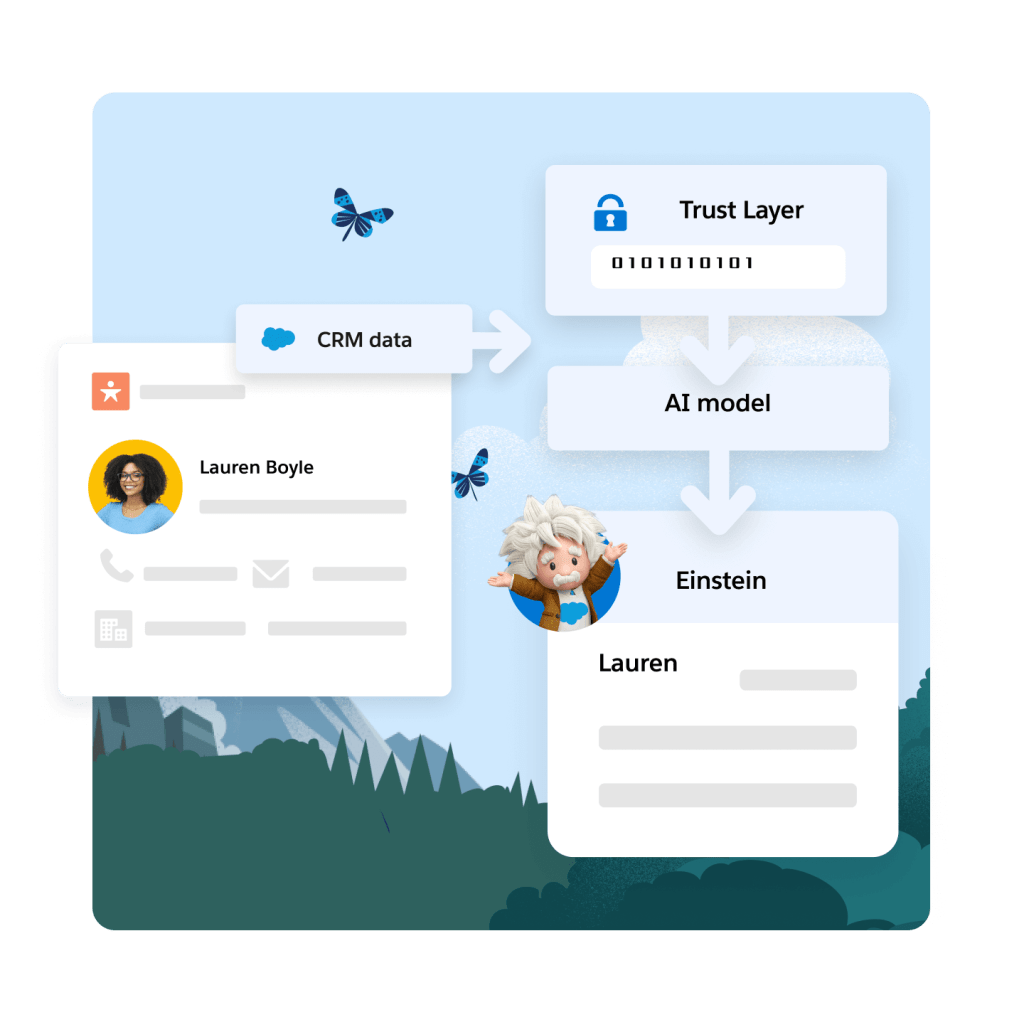
Introduction
Sales teams often face problems when syncing their Gmail calendar with Salesforce. Einstein Activity Capture is meant to help, but many users see mix-ups. Settings or permissions might cause your calendar not to sync properly. This article explains the main challenges and shows how to fix them with clear steps.
Real-world Experience
Here's a real case that shows how syncing issues can disrupt daily work.
I've been struggling with Einstein Activity Capture for weeks now. Every time I try to sync my personal Gmail calendar with Salesforce, it just doesn't work. I spent hours on YouTube and guides, and nothing helped.
This situation is common; many users see similar syncing troubles that waste time and cause frustration across the Einstein Activity Capture system.
Einstein Activity Capture Solution
Many admins suggest first checking that all settings and permissions are set correctly in your Salesforce account. Often, toggling between various configurations leads to missed sync steps. Reviewing integration connections and updating permission settings is key. Below are the steps needed to resolve this issue:
Verify Account Integration
Go to Salesforce settings and check that Einstein Activity Capture is properly connected with your Gmail account. Confirm that the integration is active and authorized.
Update Permission Sets
Review your permission sets in Salesforce to ensure calendar access is allowed. Make sure there are no restrictions that block syncing of your Gmail calendar.
Check Sync Rules
In the Data Integration settings, examine the sync rules. Enable calendar syncing specifically for your personal Gmail calendar and run a test to see if the sync works.
Monitor Sync Logs
Review sync logs in Salesforce to spot any errors or delays. This helps to confirm whether the corrections are taking effect.
Limitations to Consider
These steps can solve many common issues, but they require precise configuration. Occasional misconfigurations or system update delays may still disrupt syncing. Moreover, constant monitoring is necessary to catch future changes that might affect integration.
Alternative Solution
It can be really annoying when Einstein Activity Capture doesn't work as you need, especially when syncing your Gmail calendar with Salesforce. DryMerge offers a clear alternative built to handle these syncing issues. DryMerge is an AI-native app that connects Salesforce with your Gmail calendar and other data sources, ensuring that your information is kept accurate and up to date. It checks your emails, events, and attachments to update Salesforce records correctly, so you don't have to worry about missing data or errors. The app picks out the specific details needed for your tasks, helping to keep your calendar and records in sync without extra work. This way, you get a smoother, more reliable experience with your data.
EAC vs. DryMerge Comparison
| Feature | Einstein Activity Capture | DryMerge |
|---|---|---|
| Custom Object Sync | Automatic sync to custom objects isn't supported | Emails, calendar events, and anything else can be synced to your custom objects in Salesforce |
| Email Attachments | Attachments are not captured or saved to Salesforce | Email attachments are captured and saved in Salesforce however you need |
| Multiple Email Accounts | Cannot connect to both Gmail and Outlook simultaneously | Connects to both Gmail and Outlook simultaneously |
| Unstructured Data Processing | Limited ability to extract and organize meaningful data from unstructured email content | AI processing of unstructured email content to extract key details and create structured records |
| Data Enrichment | Basic activity logging with minimal data enrichment capabilities | Intelligent enrichment that pulls contact details, action items, and key insights from communication data |
By addressing these key limitations of Einstein Activity Capture, DryMerge offers a comprehensive solution that empowers your team with superior data handling capabilities. From intelligent processing of unstructured data to advanced enrichment features, DryMerge transforms your communication data into actionable insights while providing the flexibility to work with custom objects and multiple email accounts.
Tired of Einstein Activity Capture issues?
We'd love to show you how DryMerge handles emails, calendar events, and unstructured data extraction more reliably and accurately than Einstein Activity Capture.